Log In
Logs in an existing user using an email and password or a phone number and password.
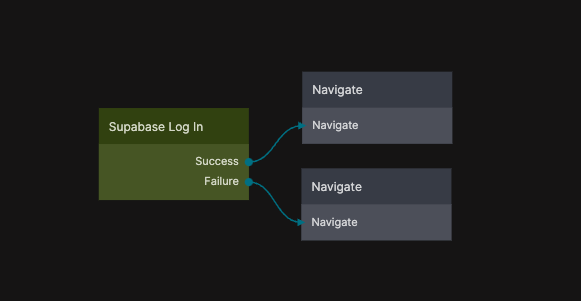
This node authenticates the user against your connected Supabase project and, on success, creates an active user session. The session can then be used by other Supabase nodes in the app to access protected data, apply row-level security policies, and perform authenticated operations.
The Log In node is typically used as part of an authentication flow together with input fields for credentials and conditional logic to handle successful and failed login attempts.
This functionality is based on the Supabase Client SDK sign-in method. For implementation details and behavior, see
Supabase Client SDK – Sign in a user.
Inputs
| Data | Type | Description |
|---|---|---|
| Log In | signal | Triggers the sign-in request. |
| string | Email address of the user (used for email login). | |
| Phone | string | Phone number of the user (used for phone login). |
| Password | string | Password for the account. |
Outputs
| Data | Type | Description |
|---|---|---|
| Success | signal | Triggered when the login completes successfully. |
| Failure | signal | Triggered if the login fails. |
| Finally | signal | Triggered after the login completes, regardless of outcome. |
| Is Fetching | boolean | True while the login request is in progress. |
| Is Fetched | boolean | True once the login request has completed. |
| Status | string | Status returned from the operation. |
| Is Success | boolean | True if the login completed successfully. |
| Is Error | boolean | True if an error occurred. |
| Error Text | string | Error message returned by Supabase, if any. |