Script
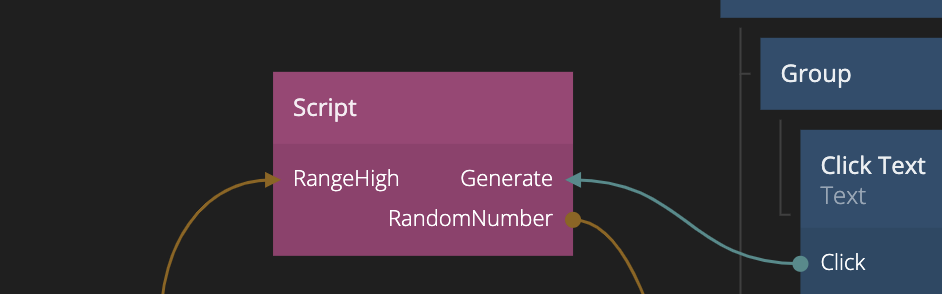
This node allows you to add complex JavaScript to your application. Please refer to the Script Guide to learn more about the API. But remember - with great power comes great responsibility.
In most cases you are better off using the simpler Function node for your custom JavaScript.
Getting Started
Reading the Javascript guide gives a broader understanding of how it works.
Here is an example of how you create a function that you can call in the node graph:
Script.Inputs = {
  Prefix: "string",
  Value: "number"
};

Script.Outputs = {
  Done: "signal",
  Value: "string",
};

Script.Signals.MyFunction = function (value) {
  // run javascript code

  Script.Outputs.Value = Script.Inputs.Prefix + " " + Script.Inputs.Value;
  Script.Outputs.Done();
};
This can also be done with a setter so you dont have to call the MyFunction signal.
Script.Inputs = {
  Prefix: "string",
  Value: "number"
};

Script.Outputs = {
  Done: "signal",
  Value: "string",
};

function onChange() {
  Script.Outputs.Value = Script.Inputs.Prefix + " " + Script.Inputs.Value;
  Script.Outputs.Done();
}

Script.Setters.Prefix = onChange;
Script.Setters.Value = onChange;
Handling when the node is unmounted
When the node is unmounted like going to a different page, the OnDestroy method will be called.
In this method, you can clean up potential listeners or libraries to keep the app performant.
Script.OnDestroy = function () {
  // called when the node is unmounted
}
Inputs
The inputs are defined by the content of the script or by explicitly specifying inputs in the properties. See the javascript guide for more details.
Outputs
The outputs are defined by the content of the script or by explicitly specifying outputs in the properties. See the javascript guide for more details.